Home Assistant
Home Assistant is an open-source platform and I am not its author. This page presents my own implementation: configuration, integrations, automations, monitoring, dashboards and the way I use the platform in practice.
Official Home Assistant project ↗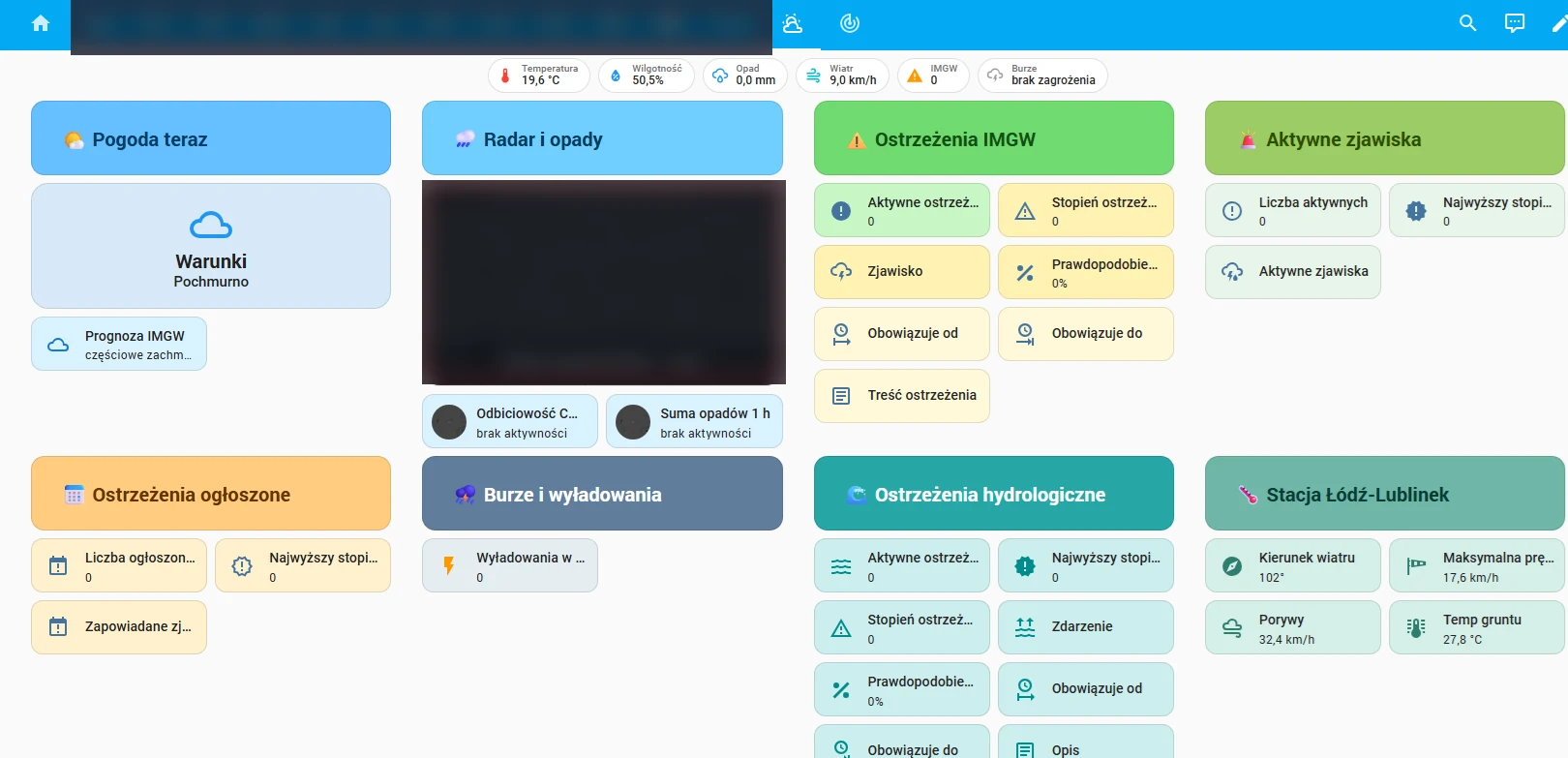
The public screenshot is sanitized; precise location and user-related information are not published.
Why I use Home Assistant
More than phone-controlled lights
The interesting part starts when devices stop working as isolated products and begin cooperating. Different vendors and technologies — Wi‑Fi, Zigbee, Bluetooth, MQTT or local APIs — can be connected in one place and used to build automations based on presence, temperature, windows, weather or the state of other devices.
Data, monitoring and local control
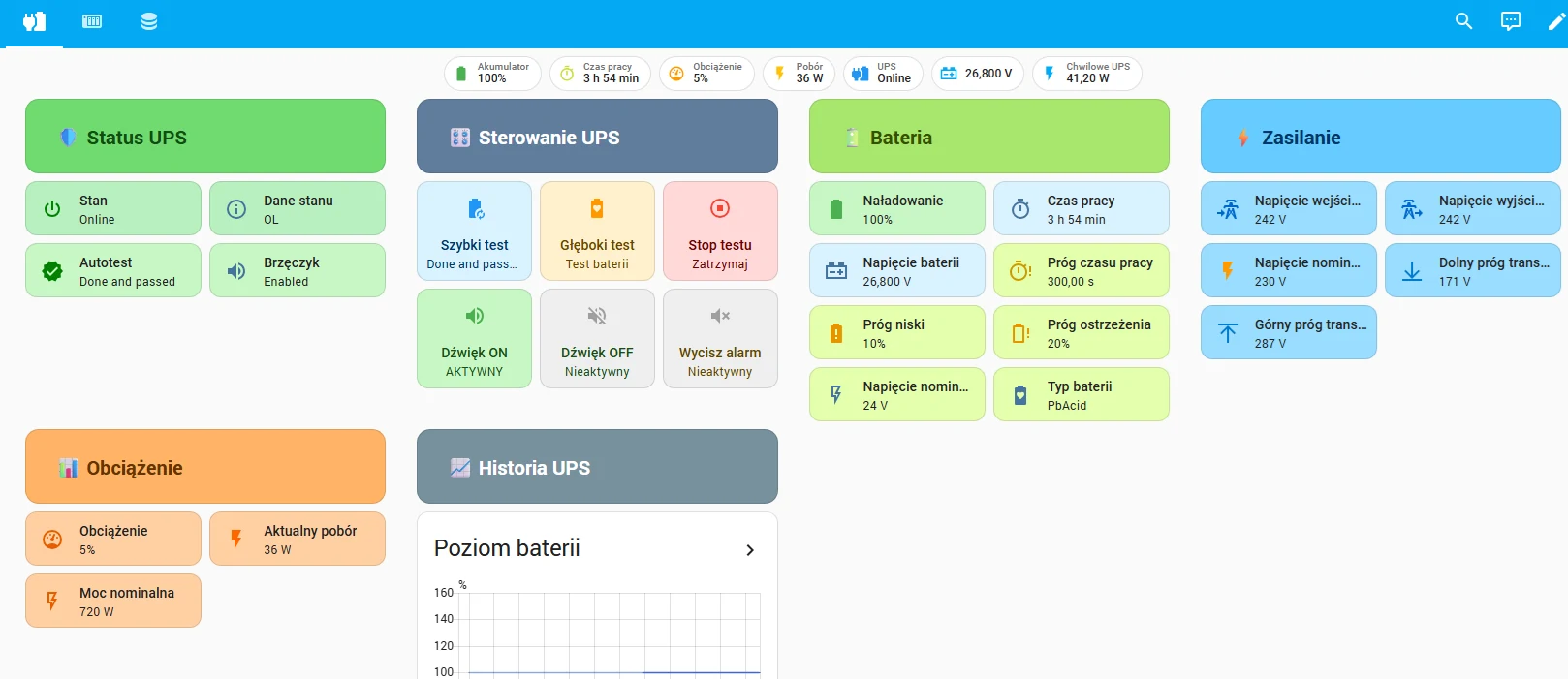
I also use it to collect and understand data: energy, environmental sensors, battery levels, device availability, UPS/NAS status and other signals. Local integrations reduce cloud dependency, can respond faster and give more control over data.
Smart Home should remain useful
As the system grows, backups, updates, documentation and sensible architecture matter more. Automation should support the household rather than make basic functions depend on a single controller.
What my environment includes
Automation
Lighting scenes, motion and door reactions, schedules and weather-aware logic.
Monitoring
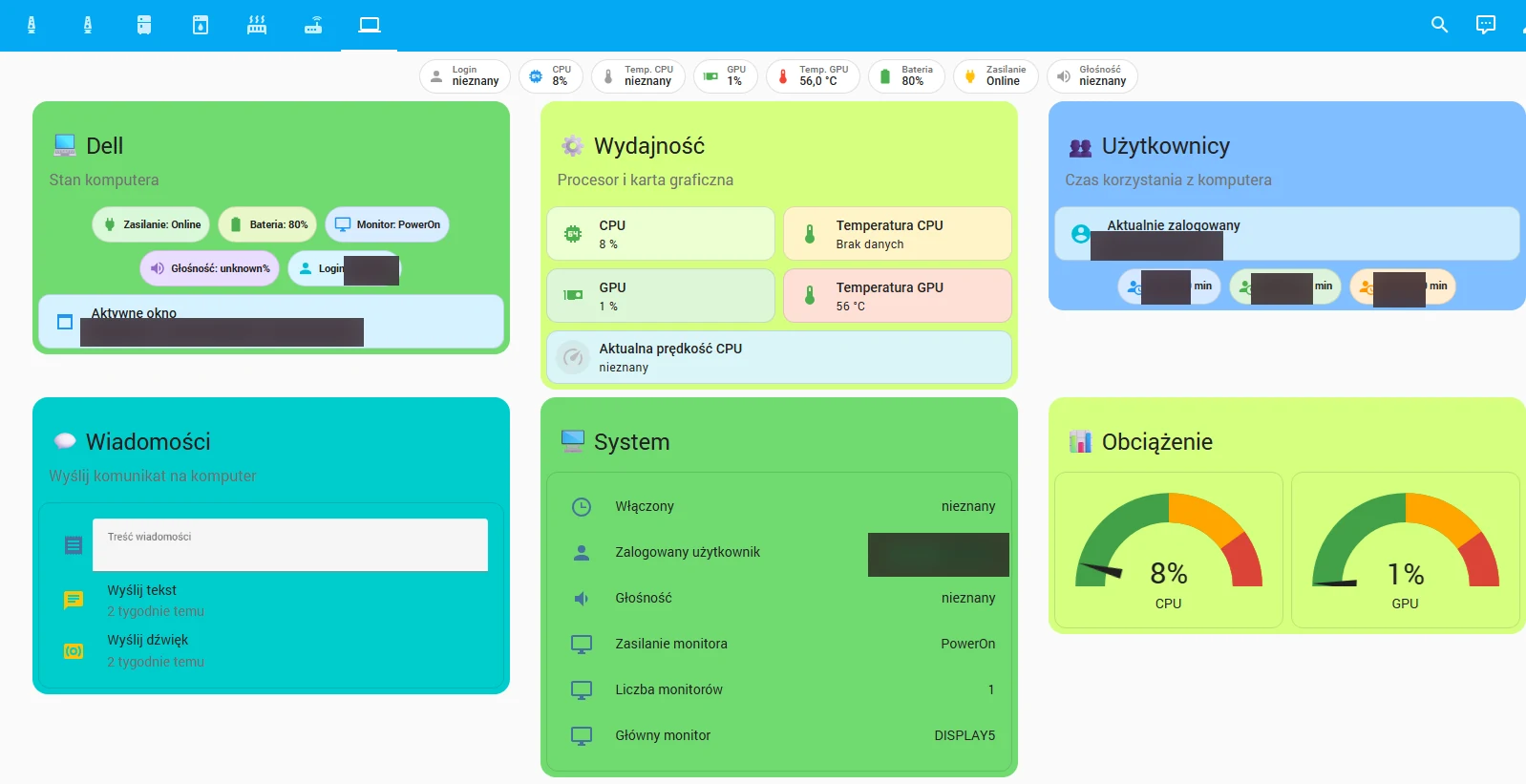
NAS, UPS, router, computer and environment monitoring in one interface.
Weather
Weather, precipitation radar and warning data used both for visibility and automations.
Notifications
Alerts for important events, power conditions and system states.
Dashboard examples
Real screenshots from my setup after removing or masking details I do not want to publish.